Light or dark theme
Kitchfly can use a light background or a dark background. Dark is easier on the eyes in low light, at night or in a dim kitchen.
Choose the theme
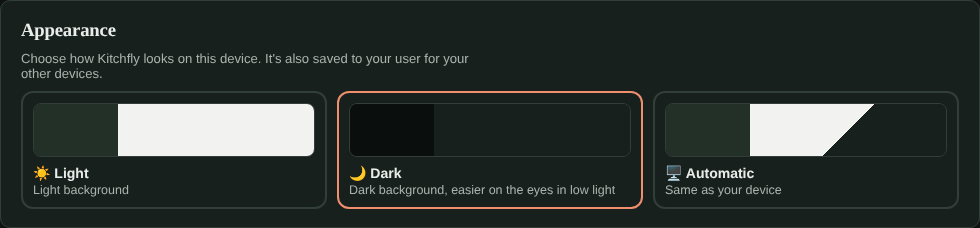
Go to My Account → Appearance and pick one:
- Light: light background, as always.
- Dark: dark background.
- Automatic (the default): same as your computer, tablet or phone. If the device switches to dark at night, Kitchfly does too.
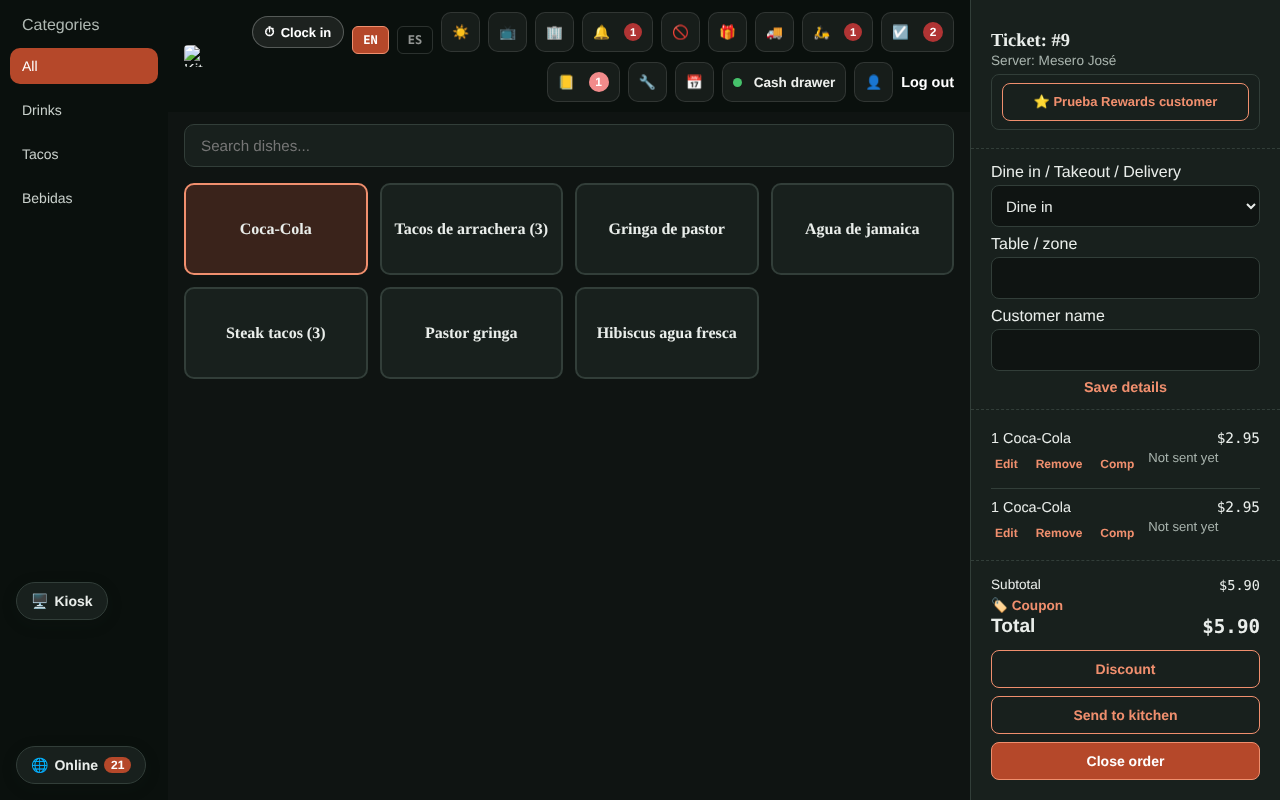
Quick switch: in the sidebar next to EN / ES, and in the point of sale's top bar, a ☀️ / 🌙 button switches between light and dark.
On several devices
- Each device remembers its choice. For example, the POS tablet can be dark while you use light on your computer.
- Your choice is also saved to your user: when you sign in on a new device, it starts with the theme you chose.
What doesn't change
- The kitchen display and the order-status TV screen already have their own dark design.
- Anything printed (tickets, reports, PDF statements) always prints light.
- Customer pages (online ordering, your website, payment links) and emails always look light.
Still need help?Use the Support button inside Kitchfly (how) or email [email protected] with your restaurant name and a screenshot. We'll get back to you as soon as possible.