Download or delete your data
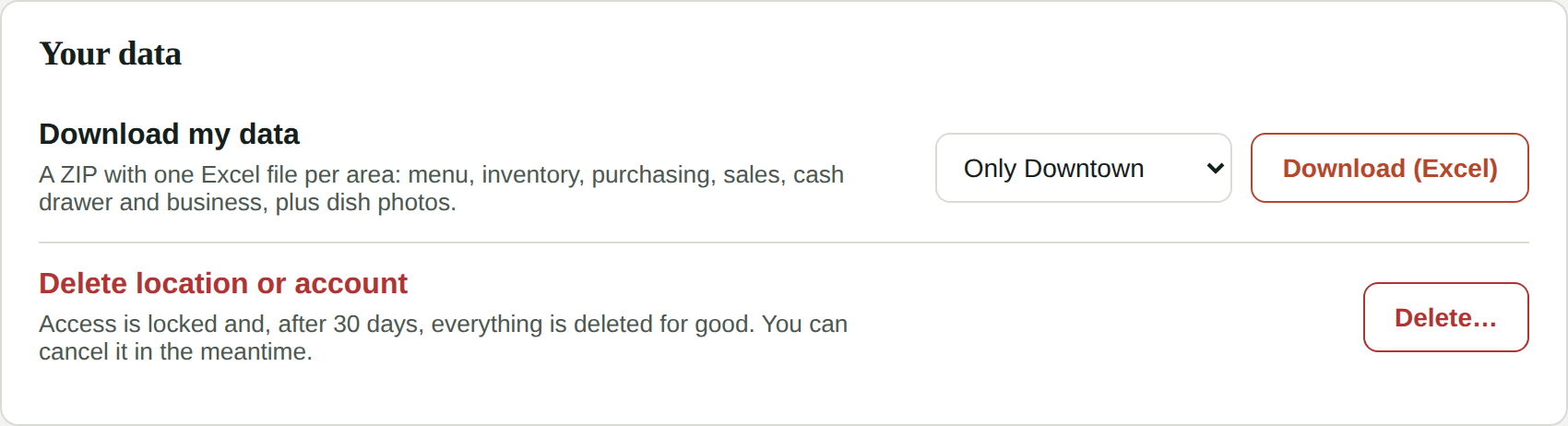
Your data is yours. From My Account → Your data the admin can download everything in Kitchfly and, if you stop using it, delete a location or the whole account.
Download your data
Click Download (Excel). Kitchfly builds a ZIP file with one Excel file per area:
| File | What's inside |
|---|---|
| Menu.xlsx | Categories, dishes, recipes, recipe ingredients, modifiers and discounts |
| Inventory.xlsx | Ingredients, price history, movements, physical counts, losses and alerts |
| Purchasing.xlsx | Suppliers, purchases, supplier orders and transfers between locations |
| Sales.xlsx | Orders, order items, payments, refunds, recorded sales and tables |
| Cash drawer.xlsx | Cash shifts and movements |
| Business.xlsx | Settings, team, operating costs and guests who opted in to promotions (from Table QR) |
| photos/ | Your dish photos |
If you have several locations, choose Only the location you're in or All my locations. With all of them, each location gets its own folder.
- Dates and times are in each location's time zone.
- Every row has its Id, and next to each column that points to another sheet there's a readable name column (ingredient, dish, user...). That way you can filter in Excel or move your data to another system.
- For security, passwords, PINs and Stripe, Square or QuickBooks keys are not included.
Tip
The download works even if your trial ended or your subscription is paused.
Delete a location or the account
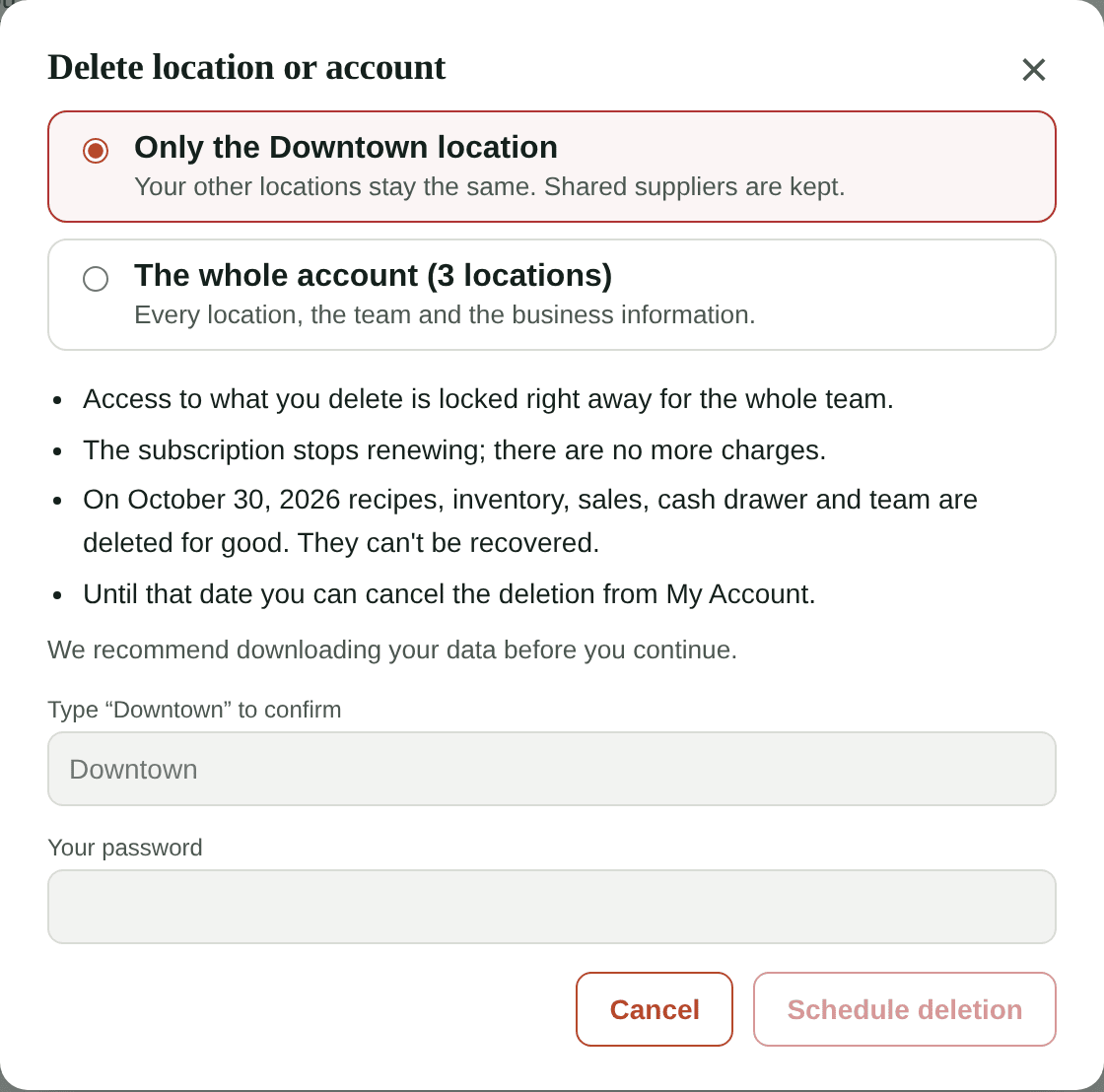
Click Delete… and choose what to delete:
- Only the location you're in. Your other locations stay the same and shared suppliers are kept.
- The whole account: every location, the team and the business information. You need access to every location for this.
If your business has a single location, the whole account is deleted.
To confirm, type the name Kitchfly asks for and your password, then click Schedule deletion.
What happens next
- Access is locked right away for the whole team in what you deleted (POS, kitchen and admin panel).
- The subscription stops renewing. There are no more charges.
- Every admin gets an email with the deletion date.
- 30 days later, Kitchfly permanently deletes the recipes, inventory, sales, cash drawer and team. People who only had access to what was deleted lose their user.
This can't be undone
After that date the data can't be recovered. Download your data first.
Cancel the deletion
Until the date arrives, open My Account. You'll see the deletion notice at the top and, under Your data, the Cancel deletion button. Everything goes back to how it was.
If the subscription ended in the meantime, activate it again from My Account → Subscription.
Questions? Write to [email protected].