Reset your password
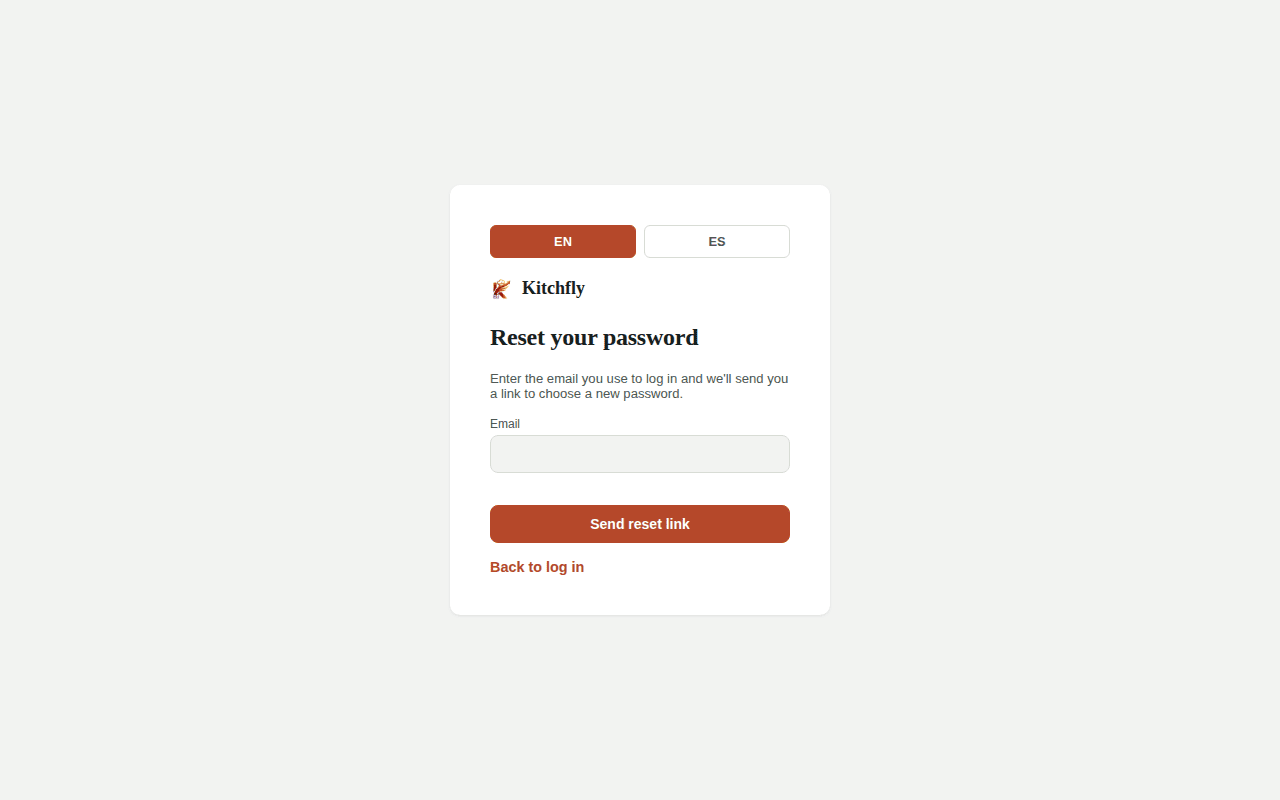
Forgot your password
- On the login screen, click Forgot your password?
- Enter the email you log in with and click Send reset link.
- Open the email from Kitchfly and click the link. It's valid for 1 hour and works only once.
- Enter your New password (8+ characters), confirm it and click Save new password.
Didn't get the email?
Wait a few minutes and check your spam folder. The email comes from [email protected]. Make sure you typed the same email you log in with.
Change your password
If you know your current password: My Account → Security, fill Current password, New password and Confirm new password, then click Change password.
When you change it, you're signed out on your other devices (another computer, tablet or phone); you stay signed in on the one where you made the change. The others will show You were signed out… and you'll need to sign in with the new password.
Sign out everywhere
If you lost a phone or tablet, or think someone else has your session open: My Account → Security → Sign out everywhere. You're signed out on all your devices, the current one included, without changing your password. If you think someone knows your password, change it instead (that also signs out your other sessions).
A team member forgot theirs
Chef and Staff users can also use Forgot your password?, or the admin can go to Team, click Reset password next to that person and set a new one. They can also log in with their employee code.
The admin forgot the email
Write to [email protected] from the email you think you used, with the restaurant name. We'll help you verify your identity.